
Astro Stats
View and compare all Astro metricsDemo
View Astro Weather AppGitHub
View Astro Weather App SourceResults Summary
About the Astro Weather Front App
Status
-
Lint

-
Build

-
Test

Links
Usage Instructions
First, follow the repo setup instructions.
Then cd into ./apps/astro/
and and use the following commands:
- Dev Command npm run dev
- Test Command npm run test
- Lint Command npm run lint
- Build Command npm run build
- Start npm start
npm run verify from the root of the project.
App Requirements
The purpose of this project, was to build the same identical app in every frontend framework, in order to benchmark and compare their performance. As such, each app is built to meet identical requirements, which are then verified with the test suite.
Technical Requirements
- Binding user input and validation
- Fetching external data asynchronously
- Basic state management of components
- Handling fallback views (loading, errors)
- Using browser features (location, storage, etc)
- Logic blocks, for iterative content and conditionals
- Lifecycle methods (mounting, updating, unmounting)
Feature Requirements
- 🌦️ Live weather conditions
- 📅 7-day weather forecast
- 🔍 City search functionality
- 📍 Geolocation support
- 💾 Persistent location storage
- 📱 Responsive design
- ♿ Accessible interface
- 🎨 Multi-theme support
- 🧪 Fully unit tested
- 🌐 Internationalized
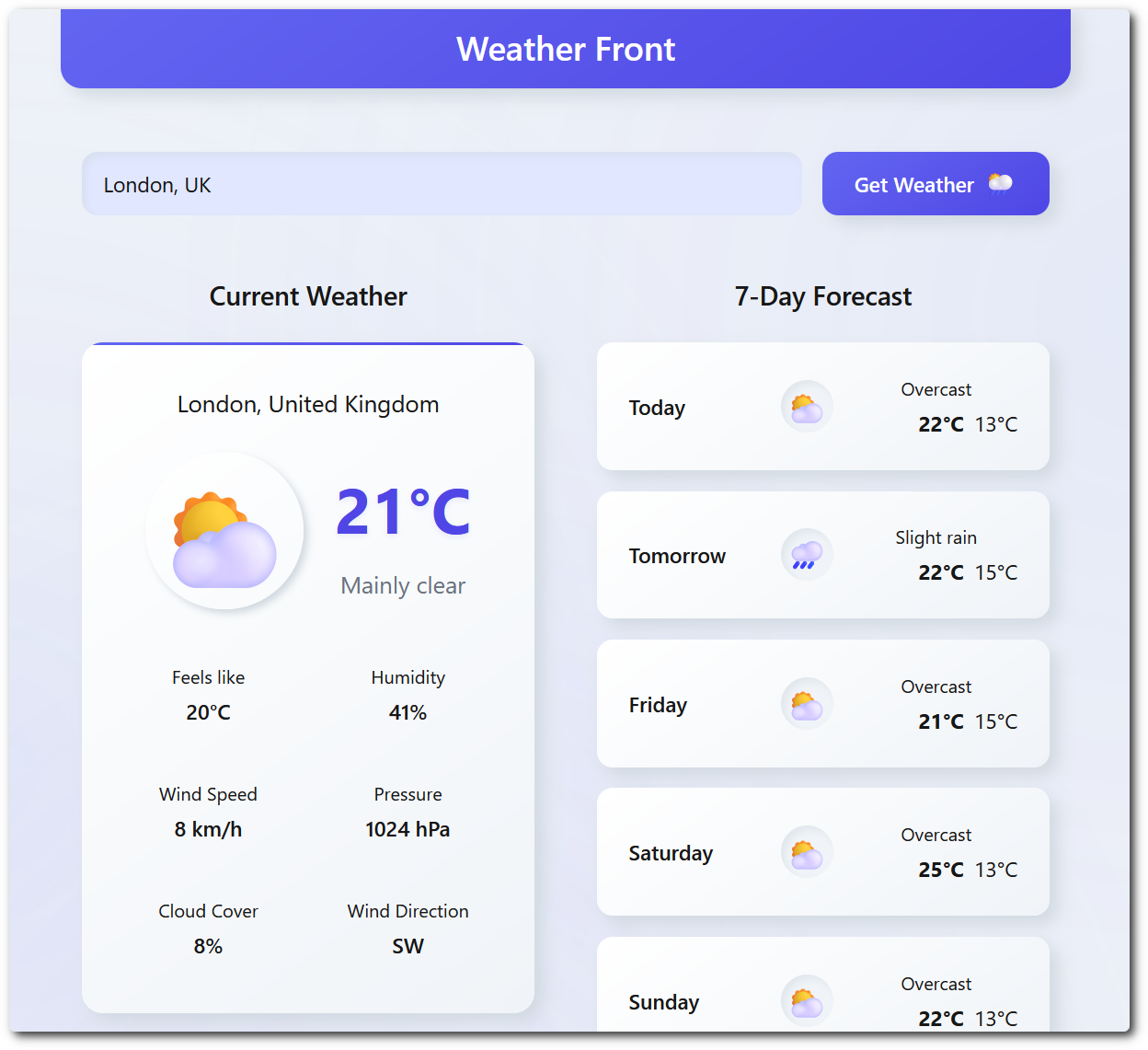
Astro Implementation
Zero JavaScript by Default
Astro renders every .astro component to static HTML at build time and ships no runtime. The entire UI shell - header, search form, weather card scaffold, forecast container - arrives as plain markup with no hydration cost.
A Single Client Island
The only JavaScript in the bundle comes from one <script> tag in index.astro, which imports weather-app.js. Astro bundles and hashes it automatically. All state, fetching and DOM updates live in that one module.
Component Props Without a Runtime
Components like CurrentWeather.astro use frontmatter to map over a list of weather detail tiles at build time. The loop runs during the build, not in the browser, so the output is flat HTML.
Layout Composition with Slots
Layout.astro holds the document shell and stylesheet links, and pages compose into it through <slot />.
Relative Asset Paths for Sub-path Hosting
astro.config.mjs sets build.assetsPrefix: '.' so the emitted _astro/ URLs stay relative. This lets the same build work at the site root and when served under /astro/app/ by the benchmark server.
About Astro
Real-world App
Since the weather app is very simple, and doesn't show of the full features of a framework, it may be helpful to see a more practical implementation of a Astro app. So, checkout:Choosing a Framework
 Stack Match
Not sure if Astro is right for your project? Use Stack Match to select your preferences and get a tailored recommendation based on the benchmark data.
